WORKS

In my current role at Planet DDS, I was hired to address gaps in internal and external enablement.
Existing training and reference materials lacked sound instructional design and user experience, with dense text, unclear screenshots, no interactive simulations, and assessments with misaligned use cases.
This course is my first initiative in establishing a repeatable and effective standard for enablement. It offers a simple design with role-relevant exercises that provide the end-user hands-on software practice.
E-LEARNING MODULE
ARTICULATE STORYLINE
PRACTICE MANAGEMENT SOFTWARE
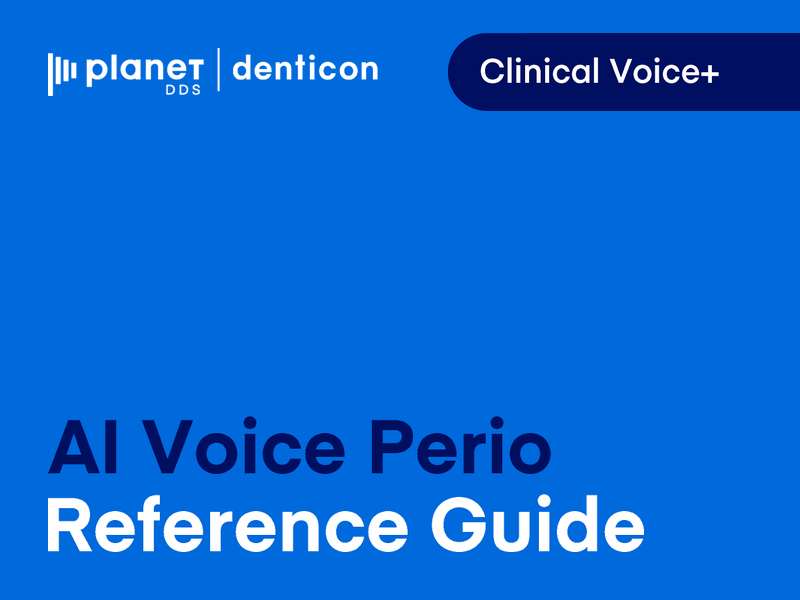
In this reference material, I introduce customers to Denticon’s AI Voice Perio feature which enables clinicians to complete periodontal charting hands-free using voice commands.
This resource walks users through accessing the Perio Chart, starting a new exam, and recording periodontal findings through voice recognition.
An interactive demo is linked to bolster multi-modal learning.
REFERENCE MATERIAL
JOB AID
AI WORKFLOW

This field guide supports cross-functional teams in understanding and implementing the enterprise-scale product DentalOS and its features.
The document features a general overview, configuration instructions, onboarding workflows, and troubleshooting scenarios.
Developed as a resource for internal stakeholders, the guide helps standardize product knowledge amongst high-touch customer-facing teams.
FIELD RESOURCE
PRODUCT ENABLEMENT
KNOWLEDGE MANAGEMENT

Select the adjacent image to dive into the intricacies of hedging as a communication model.
A demo account is auto-enabled to bypass the name and email form.
Simply click the green button on the pop-up page to continue onwards. My drafting outline and a sample learning evaluation is available upon request.
E-LEARNING MODULE
ARTICULATE STORYLINE
COMMUNICATION

At SandboxAQ, my objective was to develop a series of training modules for the company's cryptography management solution.
I had creative control over the graphic design and content of the slides featured in this video.
Each project began with an interview with a subject matter expert (SME), followed by an outline to organize the information and a slide deck that the SME reviewed and approved before animation.
This video covers the product's features and functionality. Click the thumbnail to watch the video. Additional samples of the original slide deck are available upon request.
TRAINING VIDEO
TECHNOLOGY
EDUCATION

At SandboxAQ, I developed technical training for the company's enterprise cybersecurity product, collaborating with a third-party animation studio that provided visual enhancements to my originating instructional content.
Along with my colleague who led the post-production process (e. g. scheduling the narrator, reviewing draft videos, uploading the training to the LMS), we consulted with the studio across many feedback sessions to achieve the final product.
This video covers creating and managing security profiles. Click the thumbnail to watch the video. Additional samples of the original slide deck are available upon request.
TRAINING VIDEO
TECHNOLOGY
EDUCATION

This leave-behind accompanies a tutorial that delineates several configuration pathways for the cryptography management software AQtive Guard.
Sensors are installed client-side and take the form of scanners, tracers, and other data collection agents that detect cryptography. System configuration occurs via the AQtive Guard API.
Click the image to open a high-resolution PDF of the reference sheet in question. Additional samples of adjacent work available upon request.
REFERENCE MATERIAL
TECHNICAL DOCUMENTATION
SYSTEM CONFIGURATION

While I have never formally worked with Spacelift, they embody the type of technology-forward company that drives me to put forth my best work.
In this project, I assumed their likeness to create a mock landing page, highlighting how persuasive marketing and the pursuit of technical information can work in tandem.
Select anywhere on the browser illustration to learn more about the compelling features Spacelift's infrastructure-as-code (IaC) platform offers.
MOCK LANDING PAGE
INFRASTRUCTURE AS CODE
PRODUCT MARKETING

Working in the technology industry demands constant awareness of new trends. While cloud computing isn't new by any means, the migration of legacy enterprises to support cloud infrastructure has become all the more prevalent as of late.
After seeing a prominent data security company by the name of Varonis expand its coverage to hyperscaler CSP Google Cloud, I decided to utilize their persona to illustrate my understanding of cloud security concerns.
Entitled "Common Cloud Misconfigurations To Watch Out For", the article is available via PDF upon clicking the thumbnail image.
MOCK ARTICLE